Music Production
DAW (Digital Audio Workstation)
Written as DAW
A DAW, or digital audio workstation, is software for recording, editing, arranging and mixing music on a computer. It combines a multitrack recorder, a MIDI editor, virtual instruments and a mixing desk in one program.
A DAW is the home base of modern music production. Almost every contemporary recording, from a voice-and-guitar demo to a full pop production, passes through one. Many DAWs exist, from free programs to professional ones, and they share the same basic layout, so what you learn in one carries over to the others.
What's inside a DAW
- Tracks. Audio tracks hold recordings, such as a voice or a guitar. MIDI or instrument tracks hold MIDI notes that play a virtual instrument. Bus (auxiliary) tracks collect and process groups of tracks.
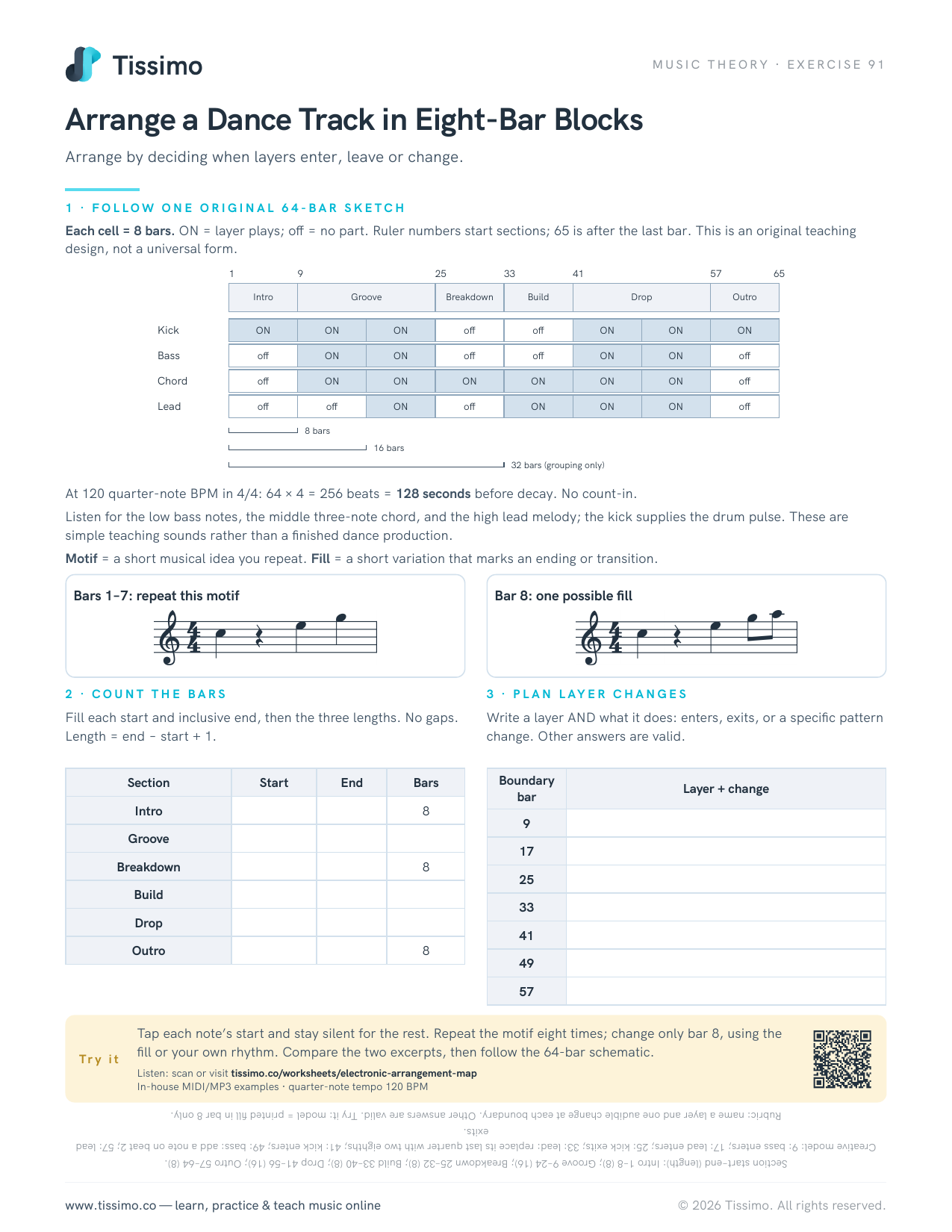
- The timeline, or arrange view. Tracks run left to right in time, measured in bars and beats at the project's tempo. You copy, move and repeat sections here.
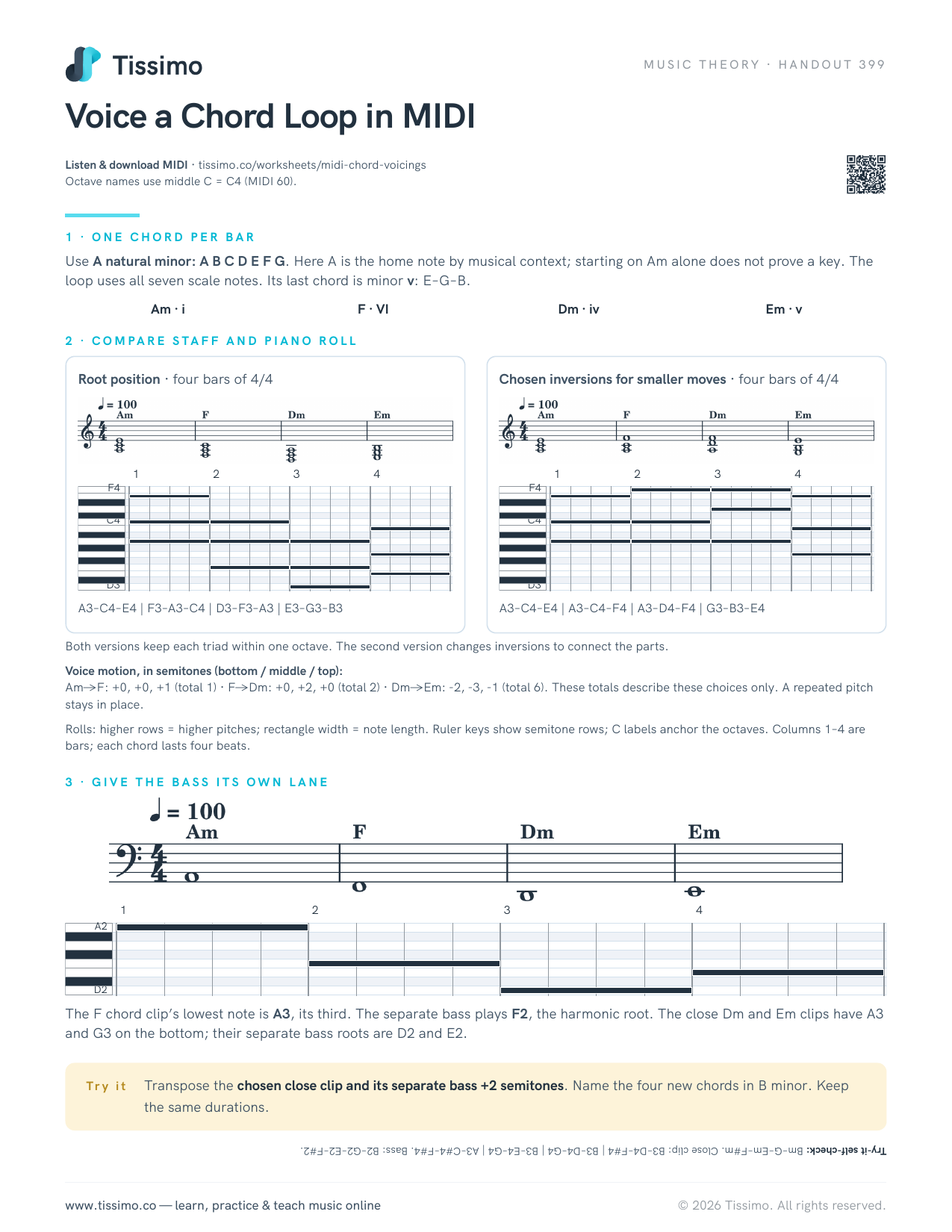
- Editors. Audio editing (cutting, fading, moving) and MIDI editing in a piano roll.
- The mixer. A virtual mixing desk with a fader, a pan control and effect slots for every track (mixing).
- Plug-ins. Software effects, such as EQ, compression and reverb, and virtual instruments: synthesizers, sampled pianos, drum machines.
- The transport. Play, stop, record and loop, plus the metronome (click track) and the tempo setting.
What you need to start
A computer and a DAW are enough to begin making music with virtual instruments, entering notes with the mouse. To record real sound you add an audio interface, a microphone and headphones; to play notes in, a MIDI keyboard. Closed headphones or a pair of studio monitors let you hear what you are doing accurately.
A first project, step by step
- Create a project and set the tempo and time signature.
- Add an instrument track with a piano or synth sound, and record a four-bar chord loop from a MIDI keyboard, or draw it in the piano roll.
- Quantize it if the timing needs tightening, then copy it to fill sixteen bars.
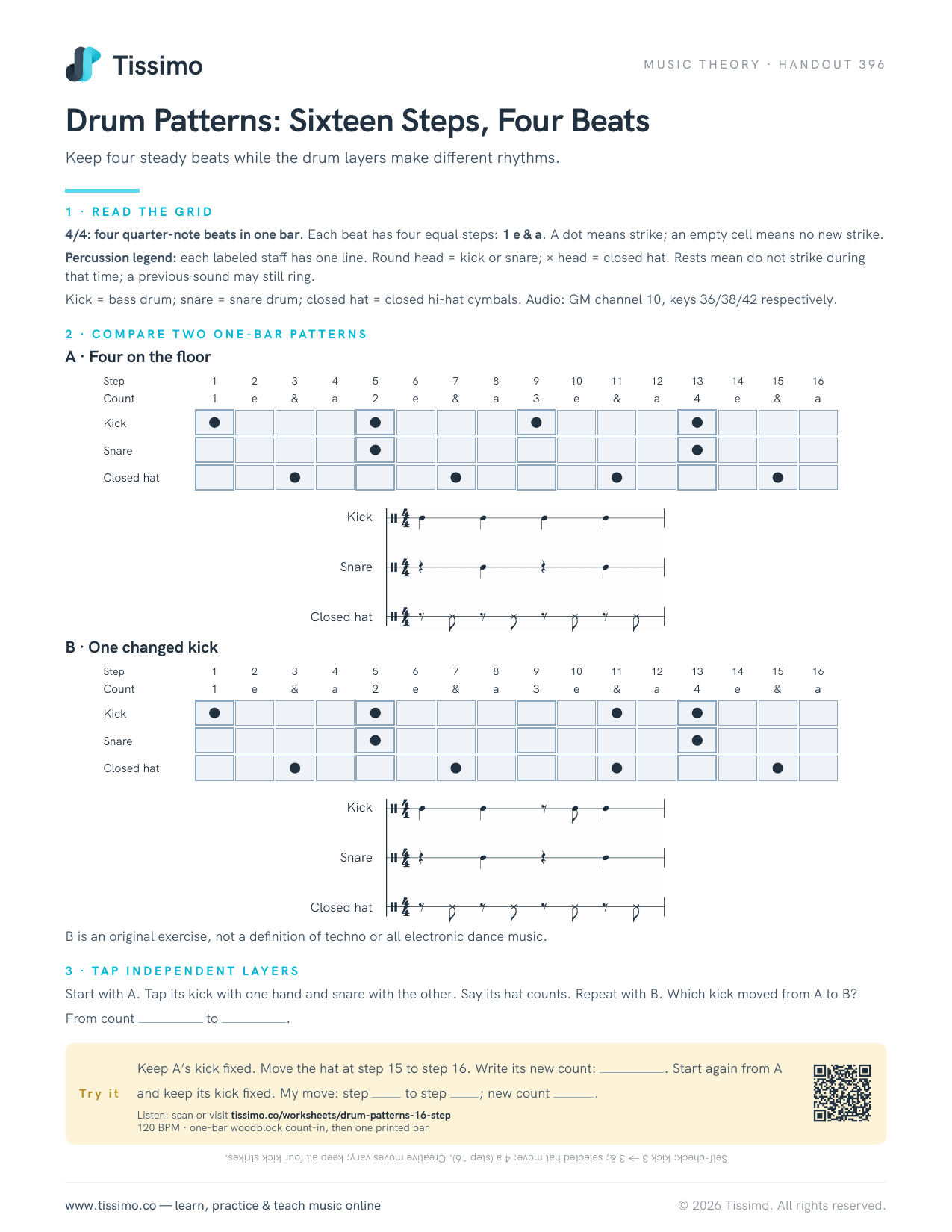
- Add a drum part and a bass line in the same way.
- Record a melody or vocal on an audio track over the top (overdub).
- Balance the levels in the mixer and export ("bounce") the result as an audio file.
A word on workflow
DAWs can do far more than any one person needs. Learn the recording, editing and mixing basics of one program well before exploring every feature, and save numbered versions of your project as you go. Arrange a Dance Track in Eight-Bar Blocks is a good first arrangement exercise, and Voice a Chord Loop in MIDI works on the MIDI side.
Common questions
What does DAW stand for?
Digital audio workstation: software for recording, editing, arranging and mixing music on a computer.
Do I need an audio interface to use a DAW?
Not to start. You can make music with virtual instruments using just a computer and headphones. To record a microphone or an instrument with good quality, you will want an audio interface.